Insta360 X4 Review 2026: Does 8K 360 Finally Deliver?

By Ben Carter

9.2
Consumer's Best Score
Consumers Best Verdict: Insta360 X4 Highlights
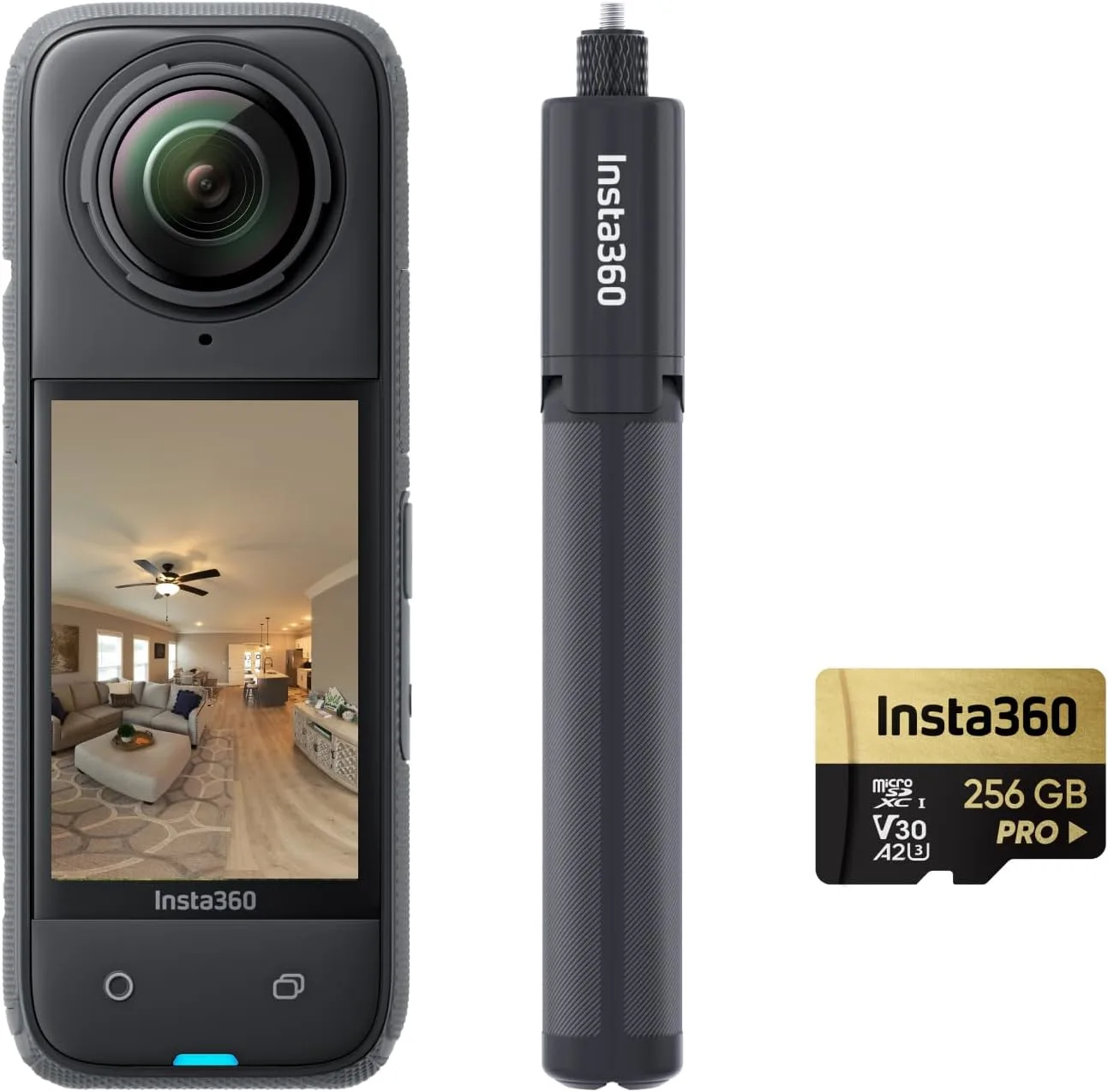
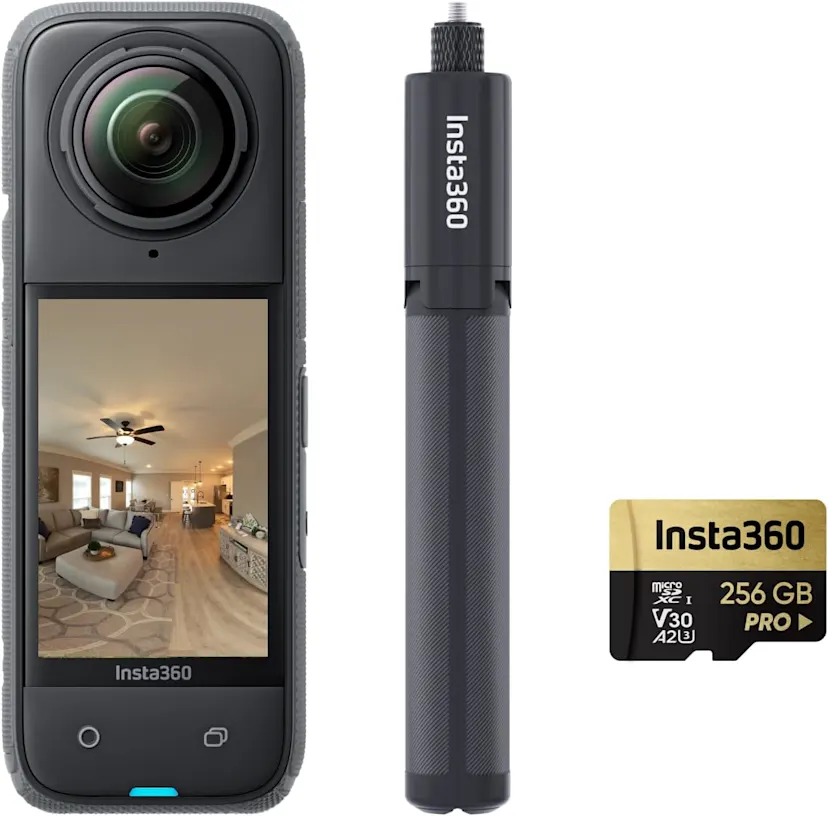
The X4 builds on the beloved X3 with sharper 8K 360 capture, better heat management, smarter tracking, and more practical touches (hello, easier lens guards). In our sweep of hands-on testing and insta360 x4 reviews across the community, the theme is consistent: top-tier image quality meets a creator-friendly workflow. The hardware’s tough, the software’s clever, and the overall experience feels mature in 2026.
Short version? The Insta360 X4 is the first 8K 360 cam that genuinely feels ready for everyday creators. Stabilization is rock solid, the battery finally keeps pace with big days out, and the app makes reframing surprisingly painless. It’s not the cheapest toy in the bag, but for the results you can pull from it—yeah, it’s worth it.
In-Depth Look: Insta360 X4 Features & Considerations
Core Features & Consumer Benefits
Here’s what stood out once we stopped pixel peeping and just used it—on bikes, hikes, city walks, and, fine, a few goofy backyard tests.
8K 360 capture = real reframing headroom
Crop in for vertical, horizontal, or square without your footage turning to mush. Shots look crisp, even after heavy edits.
FlowState stabilization + 360 Horizon Lock
Feels gimbal-smooth with zero setup. You focus on the moment; the cam keeps things level and watchable.
Longer, calmer run times
The bigger battery and smarter power modes stretch sessions noticeably, so you’re recording more and swapping less.
Me Mode and single‑lens upgrades
Keep yourself perfectly framed without the selfie stick in view—great for solo travelers, riders, and quick social posts.
App-first workflow that doesn’t fight you
Insta360’s mobile app and Studio desktop tools make reframing, Deep Track subject locking, and Shot Lab effects feel fast—and honestly, kinda fun.
Important Considerations & Potential Downsides
- 8K files are heavy
You’ll want a recent phone or computer for smooth editing. Storage fills up fast, too—plan your cards and drives.
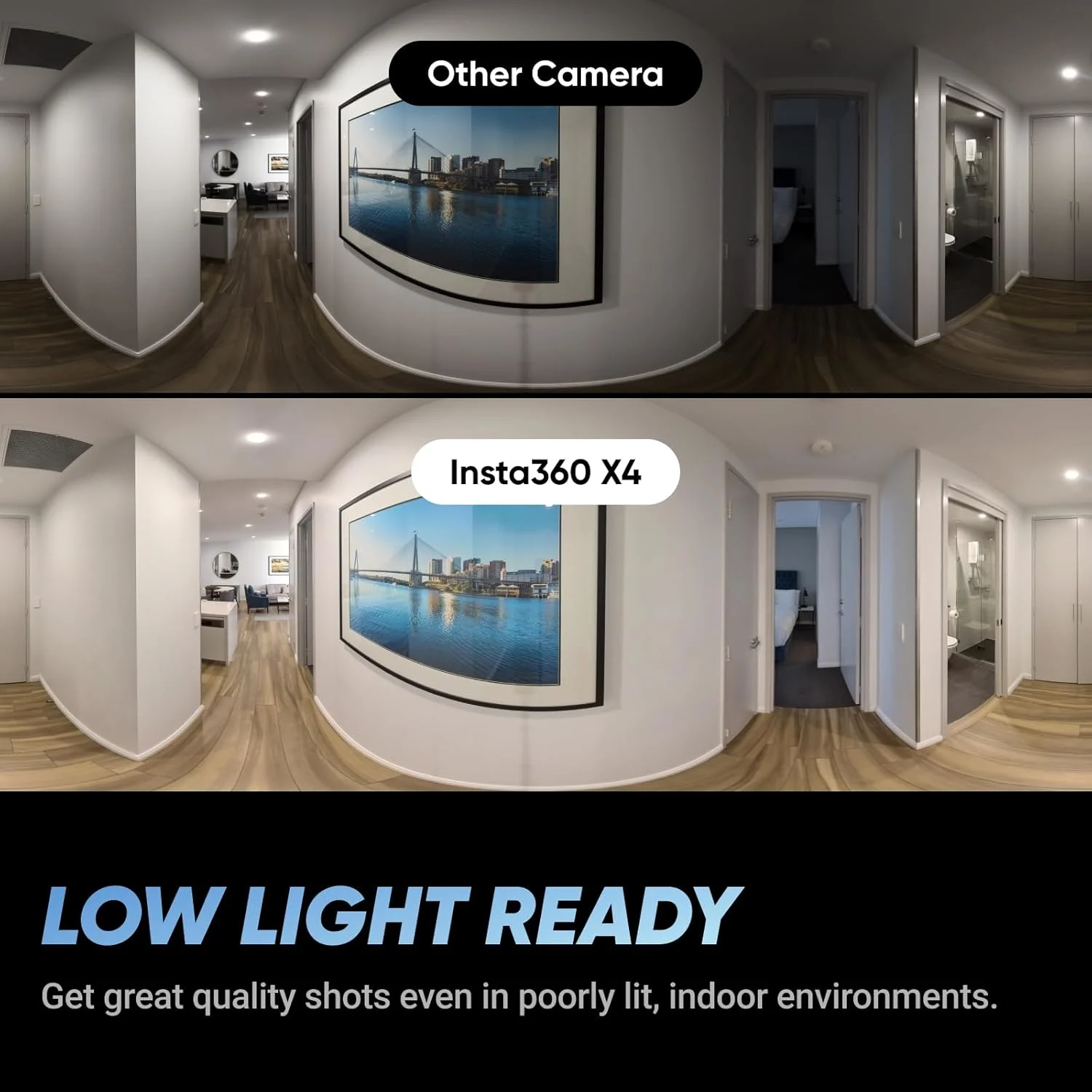
- Low light is still a small-sensor world
Indoors or at night, expect more noise and slower shutter blur. It’s good, not magic.
- Heat and long 8K clips
On hot days, extended high‑res recording can nudge thermal limits. Shorter takes or lower resolutions help.
- Lenses demand care
Water droplets, smudges, or scratches near the stitch line can ruin a shot. Budget for guards and get in the habit of cleaning.
Who Is the Insta360 X4 Best For?
Travel vloggers & solo creators
Effortless reframing, invisible selfie stick shots, and Me Mode make it feel like you’ve got a cameraman—without the crew.
Action sports fans
Biking, skiing, skating—FlowState plus horizon lock keeps chaos smooth and shareable, even when you’re bouncing around.
Social-first storytellers
Shoot once in 360, punch out vertical, horizontal, and square edits in minutes. One capture, many posts.
Event and family memory keepers
360 lets you relive everything, not just what you pointed at. It’s oddly emotional—rewatching moments from new angles.
Creators who value tools that grow with them
Start simple with templates, then move to keyframes, Deep Track, and advanced reframes as your skills build.
Who Might Want to Explore Other Options?
- Budget-minded beginners
If 8K and advanced effects feel overkill, an older 360 model or a standard action cam may hit the sweet spot for less.
- Low‑light specialists
For dim venues or night work, larger-sensor cams or dedicated mirrorless setups will look cleaner, period.
- Set‑and‑forget endurance shooters
If you need multi‑hour continuous clips in heat, a lower‑resolution mode or a traditional action cam might run cooler.
- One‑perspective purists
If you never reframe and only want a straightforward POV, a single‑lens action camera is simpler and cheaper.